A Thousand Cloys Tools
Controls, PC requirements, and FAQ answers in one place.
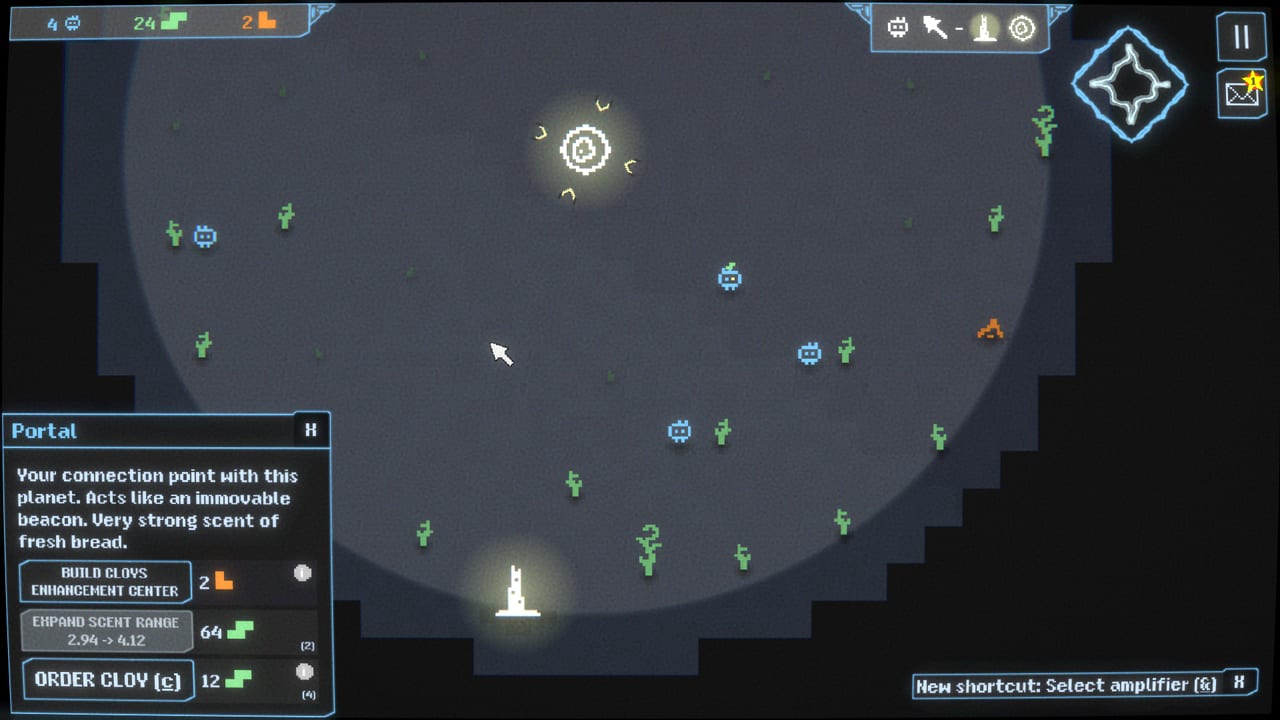
The Tools Hub collects practical reference pages for A Thousand Cloys—the exploration incremental from studio 3-50 (Grhyll). Use it when you need bindings, comfort settings, a quick PC check, or short FAQ answers before you start cleansing Klein radiation on planet Kalahari.
What lives here
- Controls — mouse and keyboard basics, Alpha Beacon movement (select, then right-click a destination), options menu layout, remappable inputs, Mouse Only Option, Camera Comfort, Custom Volume Controls, and the itch browser versus Steam keyboard-layout difference.
- System Requirements — official minimum specs (Windows 10+, 2.5 GHz CPU, 2 GB RAM, GTX 960 / R9 380 class GPU, 300 MB storage), Unity notes from the itch listing, performance tips for long idle windows, and current Steam Deck status (Unknown).
- FAQ Hub — release date, intro price through November 30, demo save transfer, English/French languages, Windows Steam-only platforms, playtime (15–25 hours), no codes/DLC, Content ID mute tips, ending spoiler policy, Discord/Steam links, and the unofficial wiki disclaimer.
These pages stay factual and short on spoilers. For how the systems fit together—ordering Cloys, expanding scent range, ending sessions—open the Guides Hub and start with Getting Started.
Why a dedicated tools section matters
A Thousand Cloys is a chill, pace-your-own-session game, but the interface still asks for precise pointing: placing beacons, clearing fog, unlocking upgrade nodes that physically sit in the world. Players who bounce between the free Steam demo, the HTML5 itch demo, and the full November 23, 2026 release often ask the same questions: Can I play mouse-only? Does AZERTY work? How big is the install? Is Steam Deck verified? Are there codes? Is there DLC? This hub answers those without burying them inside long walkthroughs.
Steam lists accessibility-facing features explicitly: Single-player, Mouse Only Option, Camera Comfort, Custom Volume Controls, and playable-at-your-own-pace framing. The itch page adds that controls are configurable, that the browser build assumes QWERTY for layout detection, and that the Steam build supports additional layouts. Keeping those notes next to the requirements table and FAQ saves you a trip through three storefronts.
Suggested path for new installs
- Skim System Requirements if you are on an older laptop or a low-power GPU.
- Read Controls before your first beacon move—community comments show new players sometimes drag instead of right-clicking a destination.
- Set volume and camera comfort in Options before a long session, especially if you plan to record; the press kit warns that public-domain music arrangements can still trip false YouTube claims.
- Skim FAQ for price, demo transfer, languages, and “no codes / no DLC” clarity.
- Jump to Getting Started once the cursor and camera feel right.
Cross-links to the rest of the wiki
Launch timeline, day-one reception (reviews and patch watch as of November 24), demo history (November 2025), and the October 2026 release-date announcement live under Updates, with focused pages for Launch Day, Day-One Reception, Demo to Full Game, and Soundtrack. Official storefronts, Discord, socials, and the press kit are collected on the Links Hub.
Bookmark this Tools Hub when you rebind keys after a patch, when a friend asks whether their GTX 960-class card is enough, or when Discord needs a one-line answer from the FAQ. The answers stay here; the strategy guides stay next door.
Frequently Asked Questions
Quick answers to the most common questions.
Where do I find A Thousand Cloys key bindings?
Open the Controls page in this hub. It covers mouse and keyboard play, beacon right-click movement, the Options Inputs tab, and Steam accessibility features.
Does A Thousand Cloys list minimum PC specs?
Yes. See System Requirements for the Steam minimums: Windows 10+, 2.5 GHz CPU, 2 GB RAM, GTX 960 4GB / Radeon R9 380, and 300 MB storage.
Where is the general FAQ?
Open the FAQ Hub in this section for release date, price, demo transfer, languages, platforms, playtime, codes/DLC, and Discord links.
Is this hub the same as the Guides section?
No. Tools covers inputs, hardware, and FAQ answers. Guides cover how to play, explore, and progress. Start with Getting Started after you set controls.
Can I play with mouse only?
Steam lists a Mouse Only Option among the game’s features. Check Controls for how that fits with beacon targeting and Options toggles.