A Thousand Cloys Soundtrack and Official OST
Classical music arrangements sung and played by high-tech toasters—plus creator copyright tips.
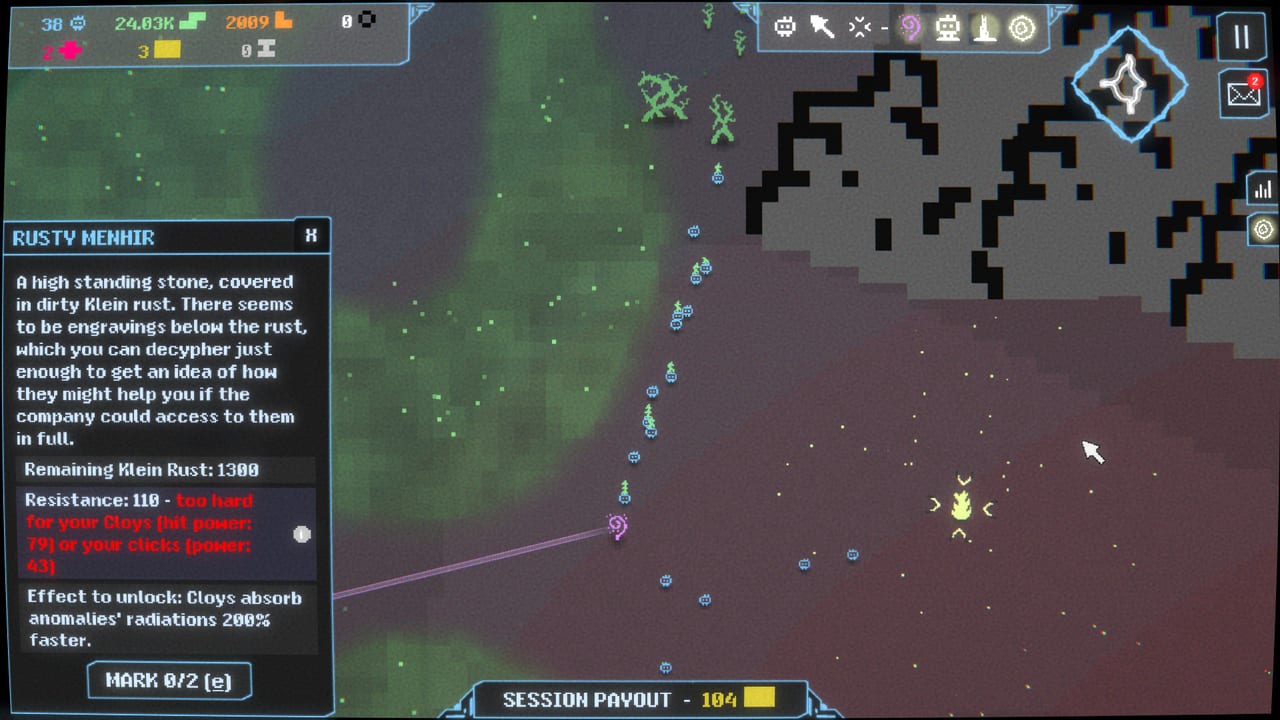
The soundtrack for A Thousand Cloys is one of the game’s signature jokes and one of its practical gotchas. Studio 3-50 (Grhyll) scored the exploration incremental with classical music arrangements performed—in fiction and in the mix—by the same high-tech toaster Cloys that mine planet Kalahari. The compositions themselves are drawn from the public domain, arranged by Grhyll, yet the official press kit still warns that YouTube may raise false copyright claims against uploads that include the in-game music.
This page covers how to listen to the official OST, why Content ID can still fire, how to mute music safely for Let’s Plays, and where trailer assets with and without music live. Pair it with Launch Day for storefront context and Controls for the volume sliders themselves.
What the toaster OST actually is
A Thousand Cloys is not a synthwave wallpaper score glued onto a clicker UI. The audio identity leans on familiar classical themes rearranged so that toaster workers feel like a corporate choir on a radioactive world. That satire matches the Living Resources mail tone and the Cloys Inc. premise: you are cleansing Klein radiation with appliances that still, somehow, sing.
Because the source compositions are public-domain pieces, the studio can ship custom arrangements without licensing a modern pop catalog. “Public domain,” however, is not a magic shield against automated Content ID. Matching algorithms listen for melodic fingerprints; they do not carefully read a press-kit footnote about arrangement rights. Creators who assume “classical = safe to upload” are the audience the press kit is talking to.
Listen on YouTube before or after launch
Grhyll pointed players at an official soundtrack upload on YouTube around the November 22, 2026 pre-launch window. The embed on this page uses that official OST video (KoShdGgB-fU) so you can sample the toaster arrangements without bootstrapping the full client. Listening outside the game is useful if you want to decide whether the score fits your stream vibe, or if you simply enjoy the arrangements as a standalone playlist while reading How to Play.
The full Windows release shipped on Steam on November 23, 2026 (app 3861740). Whether you are still on the free demo path or already in the 15–25 hour full arc described in developer OUT NOW notes, the same music caution applies: enjoy it in-game; treat uploads as a separate risk surface.
Press-kit Content ID warning (read this twice)
The official press kit is explicit: even though the music pieces are custom arrangements of public-domain compositions, YouTube may still raise fraudulent copyright claims against videos that include the soundtrack. That language is aimed at Let’s Players, short-form editors, and streamers who upload VODs.
What that means in practice:
- Do not assume a dispute will auto-resolve in your favor overnight.
- Do not rely on “fair use” memes or “it’s classical” comments as a release plan.
- Do plan your capture pipeline so music never hits the encoder if you want a clean upload.
3-50 also provides trailer downloads with and without music in the press kit for promotional editing. Prefer the muted trailer pack when you need clean B-roll for thumbnails, Shorts, or store features. Official destinations and press materials are collected on the Links Hub.
Mute music volume to 0 for Let’s Plays
The safest creator workflow is mechanical:
- Open Options from the main menu before you start recording.
- Use Custom Volume Controls to set music volume to 0.
- Keep SFX / UI feedback audible if you need toaster and beacon audio cues for viewers.
- Confirm the meters in your capture software show no music bed before you hit record.
- Recheck after patches or after migrating from demo to full—see Demo to Full Game if you just upgraded.
Steam lists Custom Volume Controls among the game’s features for a reason: the mix is split so you can silence the score without muting the entire client. Details on Options layout, remappable binds, Camera Comfort, and related comfort toggles live on Controls.
If you stream live and only archive VODs privately, you still may want music muted on the recording track even if headphones hear the full mix. Separate monitor and stream buses if your software allows it. The goal is a public upload that never contains the fingerprint YouTube might claim.
Trailers with and without music
When you need footage for a guide channel, wishlist push, or wiki thumbnail:
- Use press-kit trailers without music for safe editing beds.
- Use trailers with music only when you are linking to official uploads or keeping the file offline.
- Prefer linking the official OST video rather than re-uploading ripped game audio.
The gameplay trailer embedded elsewhere on launch pages is useful for loop context; this page’s OST embed is for listening. Do not stack multiple competing embeds in one article—the wiki keeps one YouTube facade per page.
How the score fits the play fantasy
The music reinforces the chill, readable incremental pace. Numbers stay legible, beacon exploration stays central, and session prestige loops ask for calm focus rather than panic clicking. A classical toaster choir under that loop is funny on purpose: corporate environmental cleanup scored like a recital. If the joke lands for you, leave music up while you play privately. If you publish video, mute first and thank yourself later when Content ID stays quiet.
New players who want systems context after sampling the OST should continue into How to Play for active-versus-idle pacing, then Getting Started for the portal checklist. Launch logistics and price notes remain on Launch Day.
Quick creator checklist
- Listen to the official OST on YouTube (embed above).
- Read the press-kit warning about false claims despite public-domain sources.
- Mute music via Custom Volume Controls before any public capture.
- Prefer press-kit trailers without music for edits.
- Keep SFX if commentary needs feedback; never assume classical equals claim-proof.
- Bookmark Links for Steam, itch, and 3-50 press destinations.
The toasters can keep singing on your machine. Your upload pipeline should hear only the radiation cleanup—and the occasional corporate email ping—unless you are ready to fight a mistaken claim.
Frequently Asked Questions
Quick answers to the most common questions.
Where can I hear the official A Thousand Cloys soundtrack?
Grhyll shared an official OST upload on YouTube around November 22, 2026. The embed on this page uses that video so you can listen without launching the game.
Is the music really public domain?
The press kit describes custom arrangements of public-domain compositions by Grhyll. That still does not stop YouTube Content ID from raising false claims on uploads that include the score.
How do I mute music for Let’s Plays?
Open Options and set music volume to 0 with Custom Volume Controls. Keep SFX if you need gameplay feedback. Details are on the Controls page.
Are there trailers without music?
Yes. The press kit provides trailer downloads with and without music for safer promotional editing. Prefer the muted packs for public uploads.
Does muting music change gameplay?
No. Volume sliders only affect audio mix. Beacon exploration, Cloys orders, and session prestige still play the same with music silenced.